One reason I like the EG4 12kPV is that it gives you a way to see what your solar system is actually doing instead of guessing from a single number on the inverter.
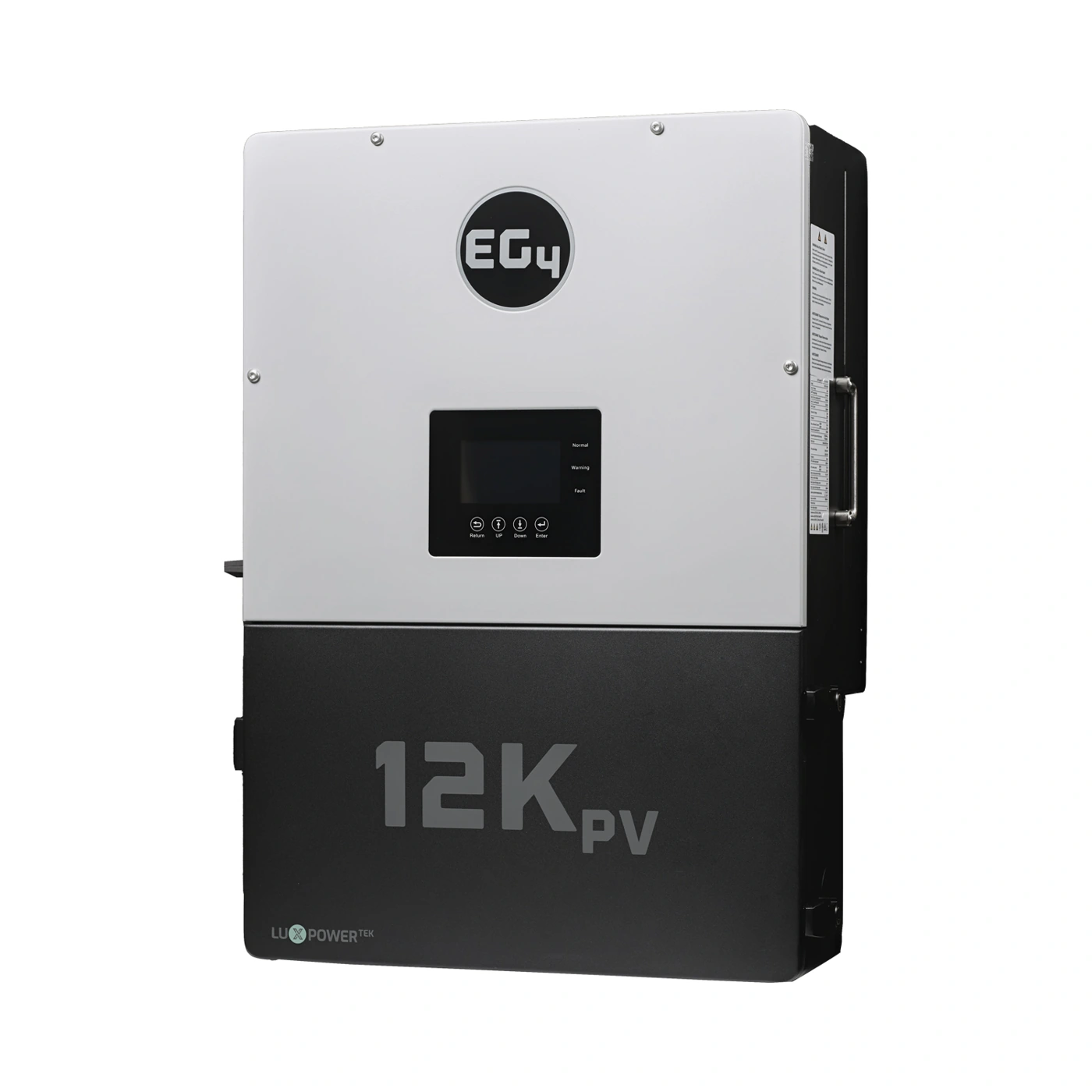
That matters in Hawaii. Your system may be making plenty of solar power, but the batteries could be charging, the house could be using most of it, or the inverter could be limiting what reaches the grid. The EG4 monitoring system helps separate those situations.
Start with where the solar power went
The EG4 12kPV can use up to 12 kilowatts of photovoltaic (PV) input, while its continuous alternating-current output is rated at 8 kilowatts. Those are different jobs. Solar power can serve your loads, charge the battery, or, depending on the system configuration, move through the grid-interactive side of the system.
In the monitoring dashboard, I want to look at solar production, battery charging or discharging, household consumption, and grid import or export together. A lower solar number at one moment does not automatically mean a panel problem. The sun may be behind a cloud, the battery may already be near its charge target, or the home may simply be using the available power.
For example, imagine the array is producing 6,000 watts. If the home is using 3,500 watts and the battery is receiving 2,500 watts, the system is behaving very differently than it would if the home were using 5,800 watts and the battery were receiving only a small amount. The total solar number alone does not tell that story.
Battery state of charge gives the next clue
State of charge, usually shortened to SOC, is the battery’s reported fullness as a percentage. I use it as part of the picture, not as the only answer.
If the battery SOC is rising during the sunny part of the day, the system is storing energy. If it is falling while solar production is low, the battery is supporting the home. If the SOC stays nearly unchanged while the house is running and solar is available, the system may be balancing several sources at once, or a charging limit may be active.
The current 12kPV documentation lists a maximum battery charge and discharge current of 167 amps at 48 volts and recommends more than 200 amp-hours of battery capacity per inverter. Those numbers help frame the system, but they do not replace the battery manufacturer’s own limits or the settings required for the exact battery model.
Use the data before changing a setting
This is where the monitoring system becomes useful for an ordinary customer. Before changing charge settings or operating modes, I want to see a pattern. Is the battery reaching its target every afternoon? Is the home importing power at the same time the battery is full? Does a generator request happen only after several cloudy days? Is a large load causing the battery power to jump suddenly?
The EG4 monitoring guides provide views for photovoltaic input, battery activity, the alternating-current side, backup output, generator input, and household loads. They also provide charts, energy history, local data, and event history. That gives us something better than a quick snapshot: a record we can use to discuss what happened.
I would be careful with remote adjustments. The monitoring system can provide access to settings and firmware updates, but a setting that works for one battery, grid arrangement, or backup design may be wrong for another. The safe approach is to identify the exact equipment first, then make changes deliberately and confirm the result in the data.
Station view and inverter view are different
If you have more than one 12kPV, the EG4 Monitor Center gives us two useful levels of information. A station overview helps us look at the system as a site, while a device overview lets us inspect a particular inverter. That distinction matters when one unit looks different from the others or when we are trying to understand how a parallel system is behaving.
The 12kPV supports grid-interactive or off-grid configurations, and EG4 documents paralleling up to ten units. As a system grows, the ability to move from a whole-system view to an individual-device view makes troubleshooting and future adjustments more practical.
There’s also a useful general lesson from Power Process called How Home Solar Power REALLY Works. It walks through the 24-hour relationship between solar panels, the inverter, batteries, household loads, and the grid. That basic energy-flow picture makes the EG4 dashboard easier to read before we get into the exact settings for your 12kPV system.
When you contact SolarMan, bring the battery model, inverter count, backup loads, and a description of what you want the system to do during a normal day and during an outage. I can then help match the EG4 12kPV settings and system arrangement to the way you actually use power.