One reason I like the EG4 LL 24V 200Ah is that it gives you something useful after the installation is finished: a clearer way to understand the battery. You’re not limited to a label that says “200 amp-hours.” The built-in display can show the battery’s voltage, current, state of charge, and operating status, while the battery-management system can provide deeper information when troubleshooting or commissioning calls for it.
It gives a 24-volt system a readable starting point
The EG4 LL is a 25.6-volt nominal, 200 amp-hour lithium iron phosphate battery with 5.12 kilowatt-hours of nameplate energy. That is a useful storage block for a compatible 24-volt inverter or charging system. It is not the same thing as a guaranteed 5.12 kilowatt-hours at your loads, because inverter losses, battery settings, temperature, and the actual load profile still matter.
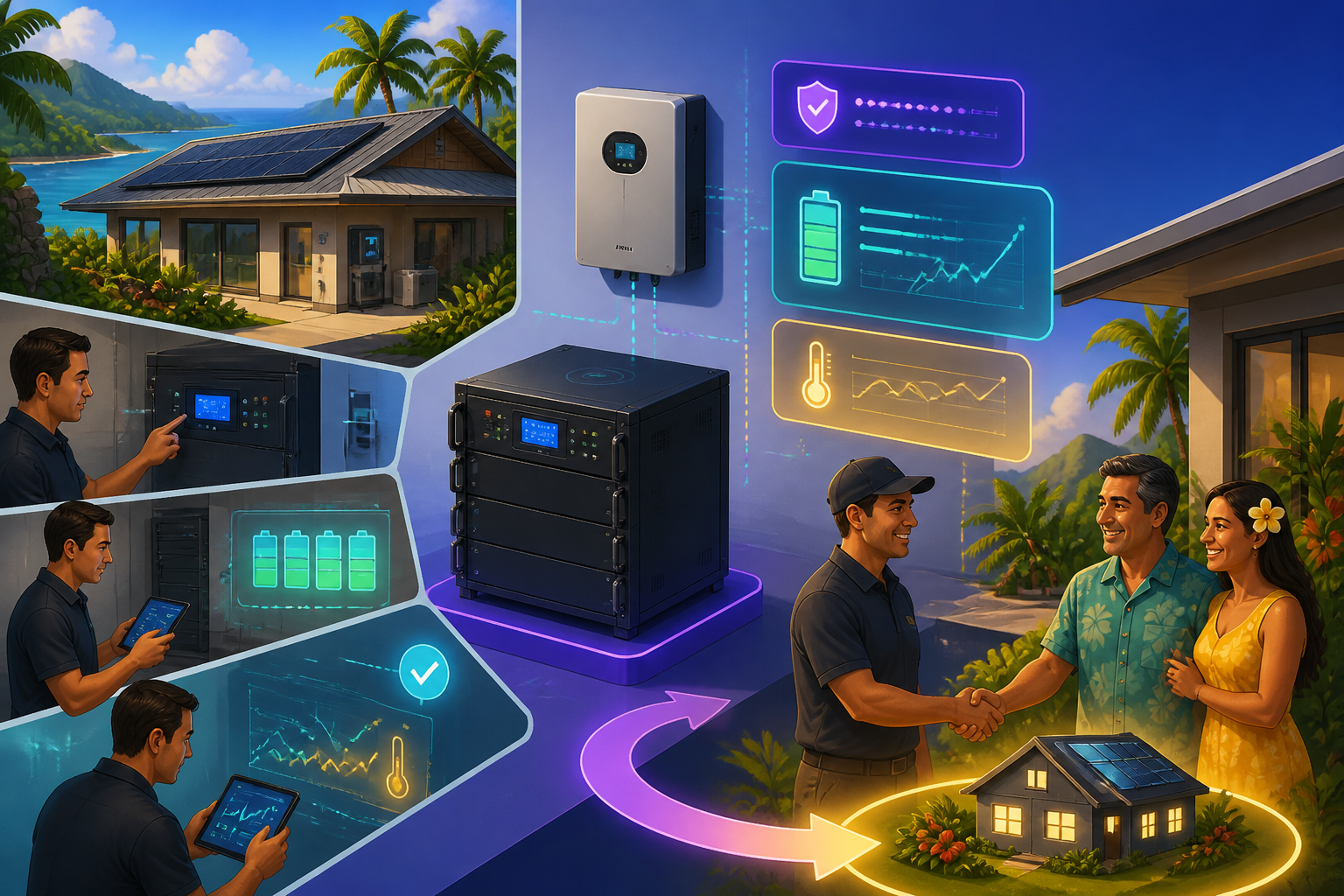
What I appreciate is that the battery’s information is visible at the module. The LCD can show voltage, current, and state of charge, and it can lead you into individual cell-voltage information. That makes the handoff more practical. If you ask, “What is the battery doing right now?” your installer has more to show you than a remote app screenshot.
The useful information is deeper than state of charge
State of charge, or SOC, is helpful, but it should not be treated as the only health check. The EG4 LL manual also documents cell-voltage and temperature screens. The battery has sixteen cells, and the display can show their individual voltages in millivolts. It can also show battery and circuit-board temperature information in degrees Celsius.
That matters when a system behaves differently than expected. A low SOC reading, a charging pause, or an alarm may call for a closer look at temperature, cell balance, voltage, or current. The built-in battery-management system monitors those conditions and provides protection against problems such as excessive voltage, temperature, or current. It does not eliminate the need for proper system design, but it gives a qualified installer better information to work with.
Communication should make the system clearer, not more mysterious
The EG4 LL supports RS485 and CAN communication, with selectable protocols for supported inverter platforms. In a compatible closed-loop system, the inverter can receive battery information and use the battery-management system’s limits instead of relying only on fixed manual settings.
That compatibility has to be checked against the exact inverter and battery revision. I don’t treat “lithium compatible” as a complete answer. The communication method, cable arrangement, protocol selection, firmware, and host-battery setup all belong in the system plan. With multiple batteries, each module needs its own address, and the host battery is the one that communicates with the inverter.
There is also a helpful distinction during service work. EG4’s BMS Tools software can provide real-time analysis and diagnostics, but the manual says the battery cannot use BMS Tools and a closed-loop inverter connection at the same time. That means the installer should choose the proper service state, collect the information needed, and return the battery to the intended system configuration afterward.
A simple example of a better handoff
Imagine a Hawaii customer receiving a system with one EG4 LL battery and a compatible inverter. During handoff, I’d want the customer to see the battery’s normal voltage, current direction, SOC, and operating status while the system is charging or serving a load. I’d also want the installer to explain where the communication cable belongs, what the inverter should report, and what an alarm or unusual reading means before the customer needs help.
That is the difference between owning a battery and understanding a battery. The EG4 LL’s display and BMS information do not promise that every reading will stay fixed. SOC can move during charging and discharging, and parallel batteries can show temporary differences. The value is that you have a better starting picture when something deserves attention.
Where this battery fits well
I’d consider the EG4 LL when a customer wants a rack-format battery for a properly matched 24-volt system, wants room to expand with compatible units, and values visible battery information. EG4 lists up to sixteen modules in parallel for this current product page, along with a 200-amp continuous charge and discharge rating for the battery’s built-in BMS. Those numbers still have to be matched to the inverter, conductors, overcurrent protection, charging equipment, and the loads you actually want to run.
The battery is also listed with more than 7,000 deep cycles at 80% depth of discharge and a 10-year warranty. I read those as product design and warranty figures, not promises that every installation will deliver identical daily performance. Placement, temperature, settings, and commissioning still matter.
If you’re considering the EG4 LL 24V 200Ah, contact SolarMan. I can help you look at the inverter, charging sources, loads, rack location, communication plan, and future expansion together so the battery is not just installed—it’s understandable and supportable.